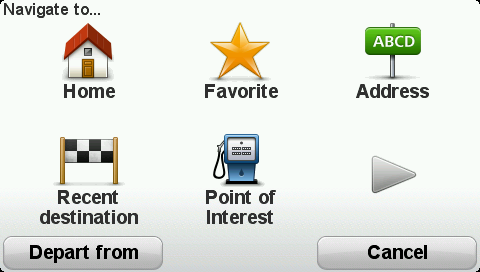
You can enter an address in various ways, but we will enter the full address.
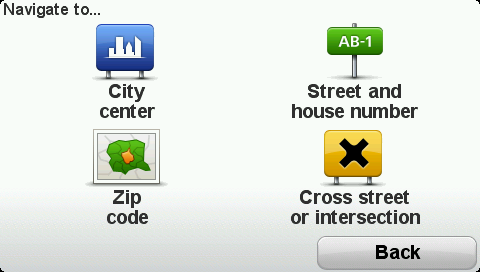
Tip: When you plan a route for the first time you are asked to select the country or state. Your choice is saved and used for all future routes. You can change this setting by tapping on the flag and selecting a new country or state.
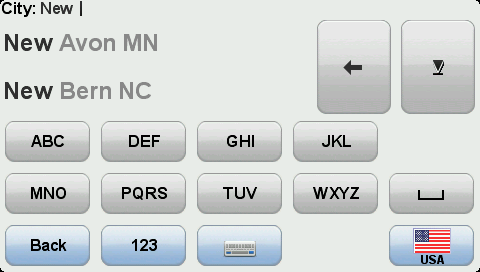
Tip: Before you start to enter a street name, City center is shown at the top of the list. This is useful if you do not have an address and only need general directions.
The route is planned and a summary of the route is shown.
Tip:  Quick Menu option! You can add route summary to the Quick Menu.
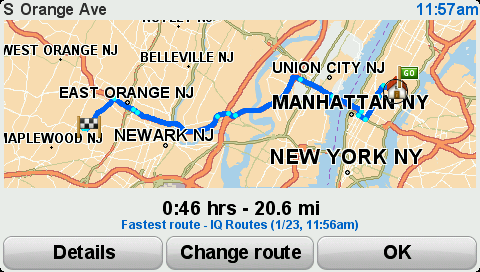
Your navigation device is ready to guide you to your destination.