Tip: The order of screens below the clock changes depending on the goal you have set.
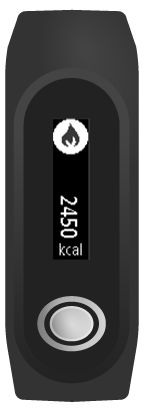
You see the number of calorie burnt for the day so far.
Note: Your progress against your daily goal resets to zero at midnight each day.
Tip: Your calorie measurements include the calories burned by your body just to survive - this is known as your Basal Metabolic Rate (BMR). This is why your TomTom Touch shows a calorie amount when you wake up and have not done any activity yet.
Tip: The order of screens below the clock changes depending on the goal you have set.
You see the number of calorie burnt for the day so far.
Note: Your progress against your daily goal resets to zero at midnight each day.
Viewing your calories burnt in the MySports mobile app
You can also see your calories burnt over a week, month or year.
Viewing your calories burnt on the MySports website
You can also see your calories burnt over a week, month or year.