
Select this button to return to the previous screen.

Select this button to return to the map view.
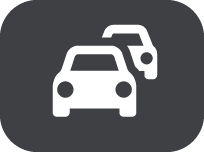
This symbol shows that the TomTom Traffic service is active.
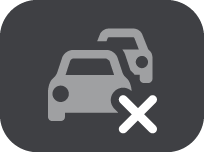
This symbol shows that the TomTom Traffic service is not active.
On the map or guidance view, select the Main Menu button to open the Main Menu.
The following buttons are available in the Main Menu screen, in addition to the Main Menu buttons:
|
Select this button to return to the previous screen. |
|
Select this button to return to the map view. |
|
This symbol shows that the TomTom Traffic service is active. |
|
This symbol shows that the TomTom Traffic service is not active. |